Seasonal IT Maintenance Tips for Illinois Businesses
IV
Understanding the Importance of Seasonal IT Maintenance
For businesses in Illinois, the changing seasons bring unique challenges and opportunities. One critical area that often gets overlooked is IT maintenance. Regularly updating and checking your IT systems can significantly enhance productivity and ensure seamless operations throughout the year. Neglecting this can lead to unexpected downtimes and costly repairs.
Seasonal maintenance involves adapting your IT strategies to the weather and operational changes that each season brings. By doing so, businesses can maintain efficiency and protect their systems from potential threats.

Preparing for the Spring Thaw
As winter gives way to spring, it's crucial to review and update your IT infrastructure. The transition period can affect hardware due to temperature fluctuations and increased humidity. Start by conducting a thorough audit of your equipment, focusing on cooling systems and ventilation.
Consider the following steps to prepare your IT systems for spring:
- Check cooling units: Ensure they are functioning correctly to prevent overheating.
- Inspect hardware: Look for any physical damage or wear and tear that might have occurred during the winter months.
- Update software: Install any pending updates or patches to improve security and performance.
Summer Strategies for IT Optimization
Summer in Illinois can bring high temperatures and thunderstorms, which pose risks to your IT systems. Power surges and outages are common, making it essential to protect your data and hardware.
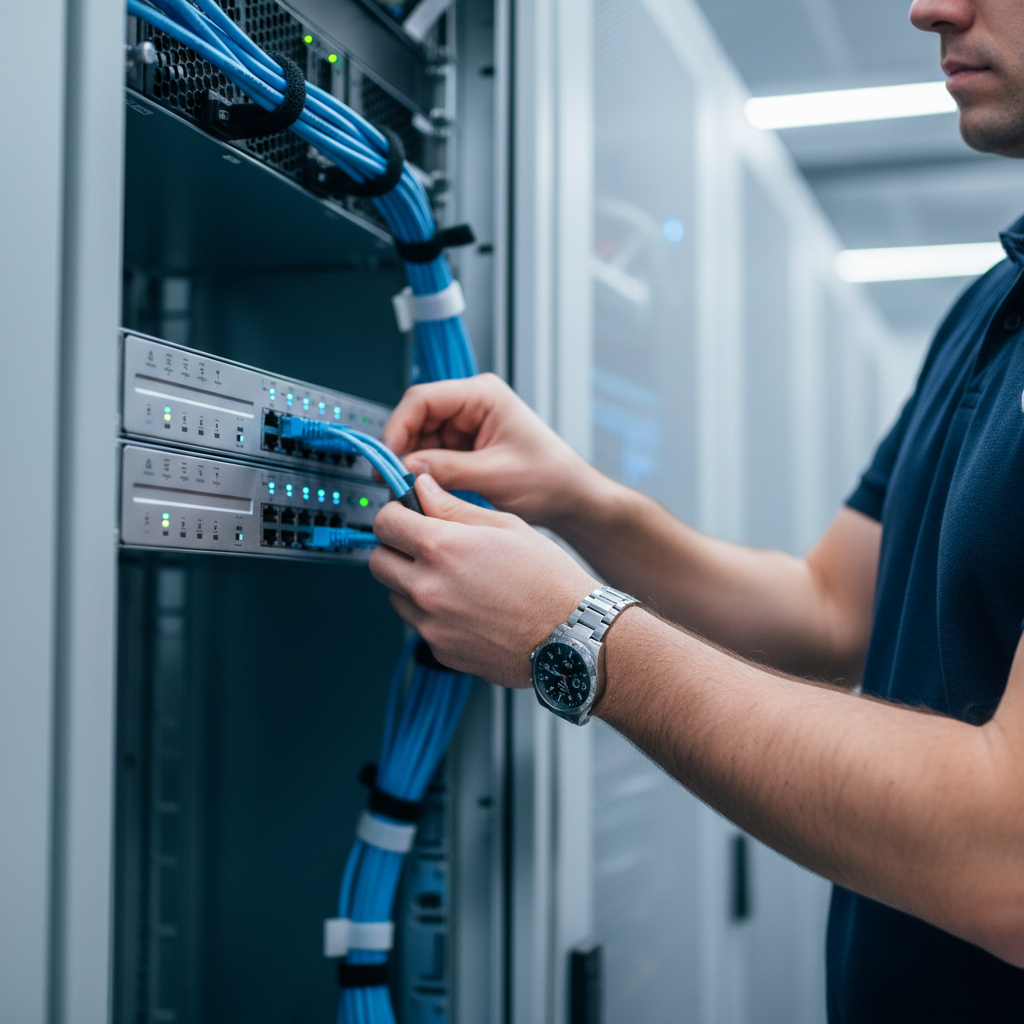
Implementing these strategies can help mitigate risks:
- Invest in surge protectors: Guard your equipment against unexpected power surges.
- Backup data regularly: Ensure that all critical data is backed up to prevent loss during power outages.
- Monitor network traffic: Higher temperatures can affect network performance; monitoring helps maintain efficiency.
Autumn: Preparing for Cooler Climates
As autumn approaches, it’s time to prepare your IT systems for the colder months. This season is ideal for evaluating your disaster recovery plans and ensuring all systems are ready for winter challenges.
Key actions to take include:
- Review and update disaster recovery plans: Make sure all plans are current and effective.
- Test backup systems: Conduct regular tests to ensure reliability if needed.
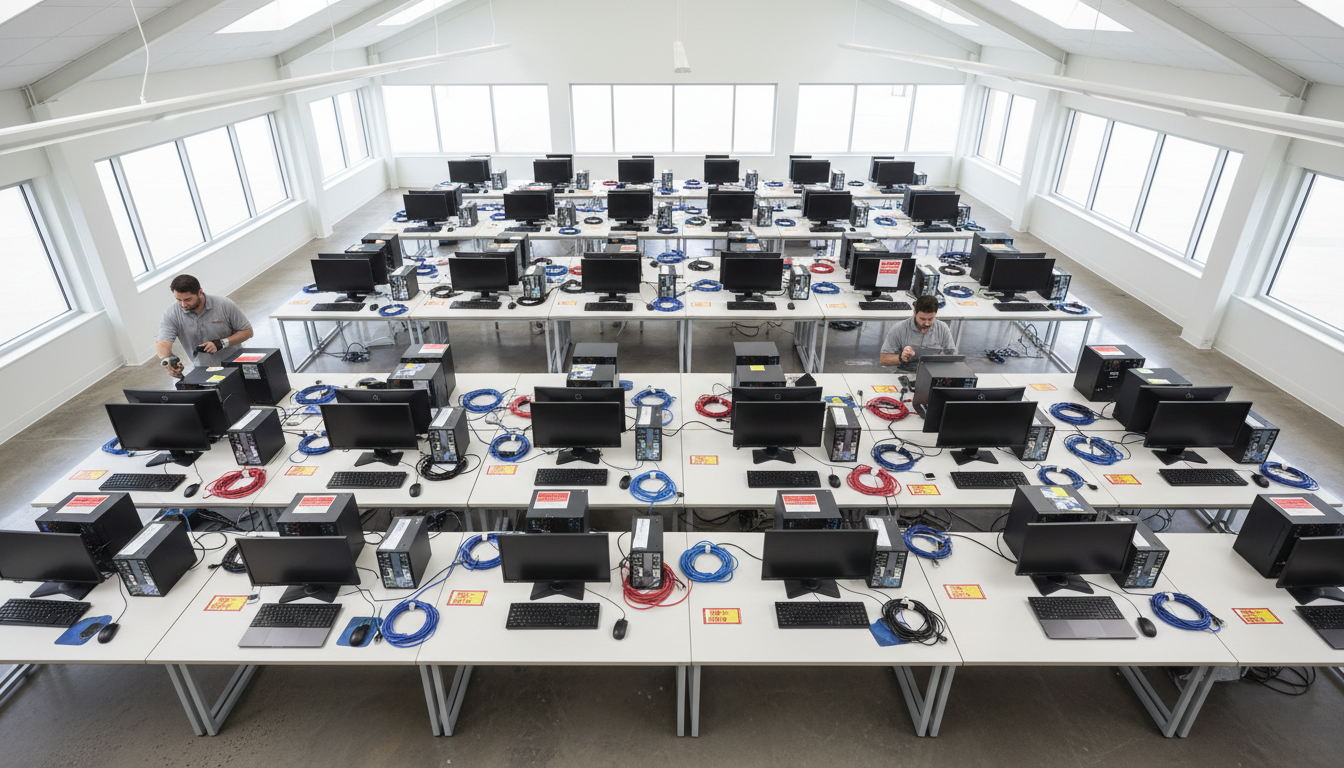
- Inspect HVAC systems: Ensure they are ready to maintain optimal operating temperatures for your equipment.
Winterizing Your IT Infrastructure
Winter brings its own set of challenges, such as freezing temperatures and potential snowstorms. Keeping your IT systems resilient during this season is crucial for uninterrupted business operations.
To winterize your IT setup, consider these tips:
- Secure physical locations: Ensure that server rooms and data centers are well-insulated and protected against extreme temperatures.
- Regular hardware checks: Monitor and maintain equipment to prevent malfunctions due to cold temperatures.
- Remote work readiness: Ensure remote access solutions are in place for employees who may need to work from home during severe weather.
By implementing these seasonal IT maintenance tips, Illinois businesses can safeguard their systems against the challenges posed by changing weather conditions. Staying proactive not only protects your technology investments but also ensures that your operations run smoothly throughout the year.